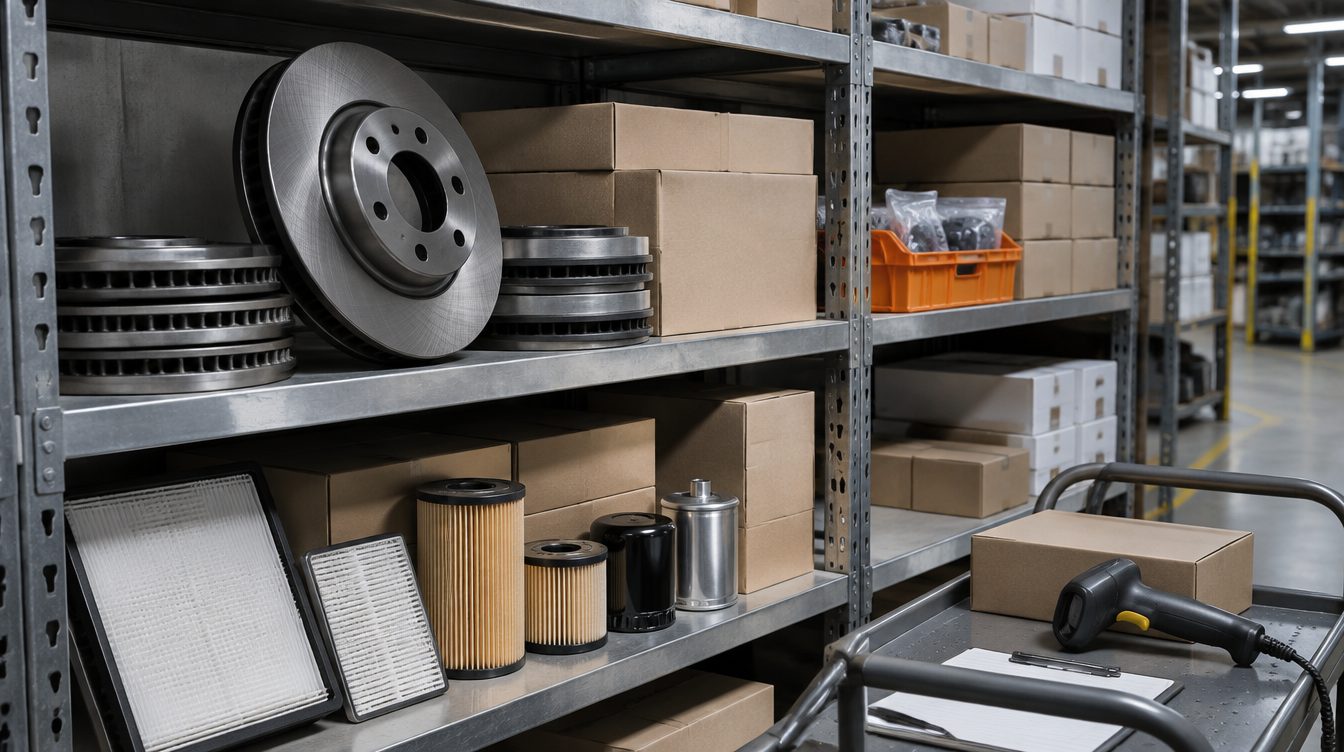
Start with your product data. Shoppers might search for a part by its manufacturer part number, so your Google Merchant Center feed should have correct part numbers, clear titles and, for aftermarket parts, every vehicle or OEM product each part is compatible with. Organize that feed by your own categories and by margin, so you can spend more on parts with the highest gross profit and less on the rest. Then use the channels Google offers for products: Shopping and Performance Max ads, free listings, and local inventory ads if you have a counter customers can visit. For search and AI answers, write category pages that answer buyer questions.
Product data Google can match to a search
Merchant Center requires a title for every product, and you should submit each product's unique identifiers wherever they exist.
Part numbers, brand and GTIN
Common unique product identifiers are the GTIN, the manufacturer part number (MPN) and the brand. Shoppers might search for an MPN directly. Providing it can help them find your listing. Products that have a GTIN but are submitted without one may have limited visibility.
Don't guess an MPN, don't copy one from a similar product, and don't put your internal SKU in the GTIN, MPN or brand fields. If you don't have the identifier, leave the field blank. Incorrect identifiers can get products disapproved.
Titles
A title can be up to 150 characters, but shoppers usually notice only the first 70 or fewer, depending on screen size. Put the most important details, such as the part name and brand, first. Leave out price, shipping, sale dates and your store name, and put price and shipping in their own attributes. If you write titles with generative AI, submit them in the structured title attribute instead of the plain title attribute.
Aftermarket parts and compatibility
Merchant Center has specific rules for products made by a third party that are compatible with an original equipment manufacturer's (OEM) products. Products that break these rules may be disapproved or the account suspended. The rules for compatible third-party products cover the condition, title, image link and unique product identifier attributes, with a separate rule for the description:
| Attribute | Rule for a compatible third-party product |
|---|---|
| Condition | New for a new product; refurbished for an OEM product professionally restored by a third party, with a warranty |
| Title | Begin with "compatible", "third party", "generic" or the maker's name; include the maker's name; OEM name, model or part number allowed, but not at the start; no "original" or "genuine" |
| Description | Submit the product once and list every compatibility here; no duplicate listings of the same product |
| Image | Show the third-party product or its packaging, not the OEM product or OEM packaging |
| Identifiers | Use the third-party maker's brand, GTIN and MPN, not the OEM's |
An example title for a compatible dishwasher rack: "Compatible dishwasher rack AD12345 for ABC Dishwasher by GreatSpareParts." For a brake pad set that fits several vehicles, that means one listing with every compatible vehicle in the description, not one listing per vehicle.
A related rule covers remanufactured parts. If a third party refurbished an OEM part, begin the title with "refurbished", "remanufactured" or the refurbisher's name, and set the condition to refurbished. Refurbished means professionally restored to working order, with a warranty.
Organize the catalog by margin
Parts catalogs are large and margins vary by product. Two Merchant Center attributes let you group products for bidding and reporting.
Product type
Product type is your own category system, separate from Google's product category. Write it as a full breadcrumb with a space on each side of the > symbol, for example Brakes > Brake Pads > Ceramic. You can submit up to five values, but only the first one is used to organize bidding and reporting in Shopping campaigns, so put your main category first.
Custom labels
Custom labels 0 through 4 let you create filters for Performance Max, Shopping and Demand Gen campaigns. Shoppers never see them. Example values include margin ("Low margin, high margin") and selling rate ("Best seller, low seller"). Each label attribute can have up to 1,000 unique values across the account. Use one type of custom label per attribute. You can assign labels automatically with feed rules based on data you already submit.
For example, you could use one label for margin band, one for selling rate and one for season. With those in place, you can split high-margin parts into their own campaign with their own budget.
Separate campaigns for high-profit parts
We build feeds with product types and labels, rank products by gross profit and give the products with the most gross profit their own campaigns. Products that Performance Max underserves get split into their own campaigns too. Reporting shows profit by product and by campaign: for each campaign we subtract product cost and ad spend from revenue.
Where parts appear on Google
Google's vehicle ads, covered in our post on car dealer marketing, don't support parts, accessories, tires or services, so you list parts as regular products.
Shopping and Performance Max
With Performance Max you can reach all Google Ads inventory, including YouTube, Display, Search, Discover, Gmail and Maps, from one campaign. You can use it alongside keyword-based Search campaigns. You use product types and custom labels to choose which products go into which campaign.
Free listings
Products can also appear at no cost on Google Search, Maps, Gemini, YouTube, the Shopping tab, Google Images and Google Lens. In most accounts free listings are on by default. Being turned on doesn't guarantee your products will be shown, and in the United States you must set up shipping settings or add shipping costs to your product data. Google uses the product data you submit to match your products to searches, so the same feed work applies to free listings.
Local inventory for stores with a counter
If you have physical stores, local inventory ads and free local listings show your in-store products and store information to nearby shoppers searching on Google. Both are available in the United States. If your website doesn't show store stock, Google can host a page for your store. Local inventory ads can be set up several ways, including an app that adds in-store products for eligible retailers in the US, Canada, the UK and Ireland. Google reports that retailers who use local inventory ads in addition to Shopping ads saw a 21% increase in store visits and a 9% increase in online conversions for products available in store, based on its global data from July 2023 to July 2024.
Category pages, search and AI answers
Some buyer questions aren't about one product, such as which brake pad compound suits towing. Answer those on category pages and guides on your own site. Google says the SEO basics still apply in its AI Overviews and AI Mode, with one added condition: your site must be included in Search generative AI features in Search Console, as our post on answer engine optimization explains.
Copy written for search and AI
We write category and product copy for search and AI as part of our AI visibility and SEO service. Each week we ask the AI engines your buyers' questions and record who gets named and which pages get cited. Every new page is reviewed 28 days after launch. Pages that AI and Google aren't picking up get rewritten.
Where Zonder Digital fits
Our paid ads service covers Google Search, Performance Max and Shopping, plus Microsoft, Meta (Facebook and Instagram) and TikTok. For online stores we check Merchant Center feeds every day, and an automated check compares each account's spend to its budget every hour.
Marketplaces
If you also sell on marketplaces, our marketplaces service covers Amazon Ads (Sponsored Products, Sponsored Brands and display ads), ads and listings on Walmart Marketplace, and TikTok Shop. We report each product's ad spend against its margin, in the same dashboard as the rest of your marketing.
Auto parts experience
Our team has worked with CarParts.com. You can read more on the auto parts industry page.
Frequently Asked Questions
Does Google have a fitment attribute for auto parts?
The Merchant Center help pages we checked don't describe a separate fitment attribute. They do have rules for third-party products compatible with OEM products. Under those rules you submit each product once and list every compatibility in the description attribute, and duplicate listings of the same product aren't allowed. The title starts with "compatible", "third party", "generic" or the maker's name, and can include the OEM name or part number, just not at the start.
Should I include the OEM part number in my titles?
You can include the OEM name, model or part number in the title of a compatible aftermarket part, but none of them may come first. Start with a word such as "compatible" or with the maker's name, and leave out words like "original" and "genuine". In the MPN attribute, submit the part number from the company that built the part, not the OEM's number. An example title is "Compatible dishwasher rack AD12345 for ABC Dishwasher by GreatSpareParts."
What if I don't have the MPN or GTIN for a part?
Leave the field blank. Don't guess identifiers, copy them from similar products or put internal SKUs in the GTIN, MPN or brand fields; incorrect identifiers can get products disapproved. Products that have a GTIN but are submitted without one may have limited visibility, so collect GTINs from your suppliers where they exist. Submit whichever identifiers you have, even if some are missing.
How do I bid more on high-margin parts?
Use custom labels. Merchant Center gives you five, custom label 0 through 4, with example values for a margin label of low margin and high margin. Assign the label with feed rules based on data you already submit. Then filter campaigns or product groups by that label in Performance Max or Shopping, so high-margin parts get their own budget and their own reporting. Shoppers never see the labels.
Do free listings replace Shopping ads?
No. Free listings let products appear at no cost across Google Search, Maps, Gemini, YouTube, the Shopping tab, Images and Lens, and they are on by default in most accounts. Being eligible doesn't guarantee your products will be shown. Shopping and Performance Max ads add paid placements on top, and you control budgets and bidding through product types and custom labels. Shopping ads also use your Merchant Center product data, so better titles and identifiers help both.
Talk to us about paid ads for your parts catalog, or book a call.