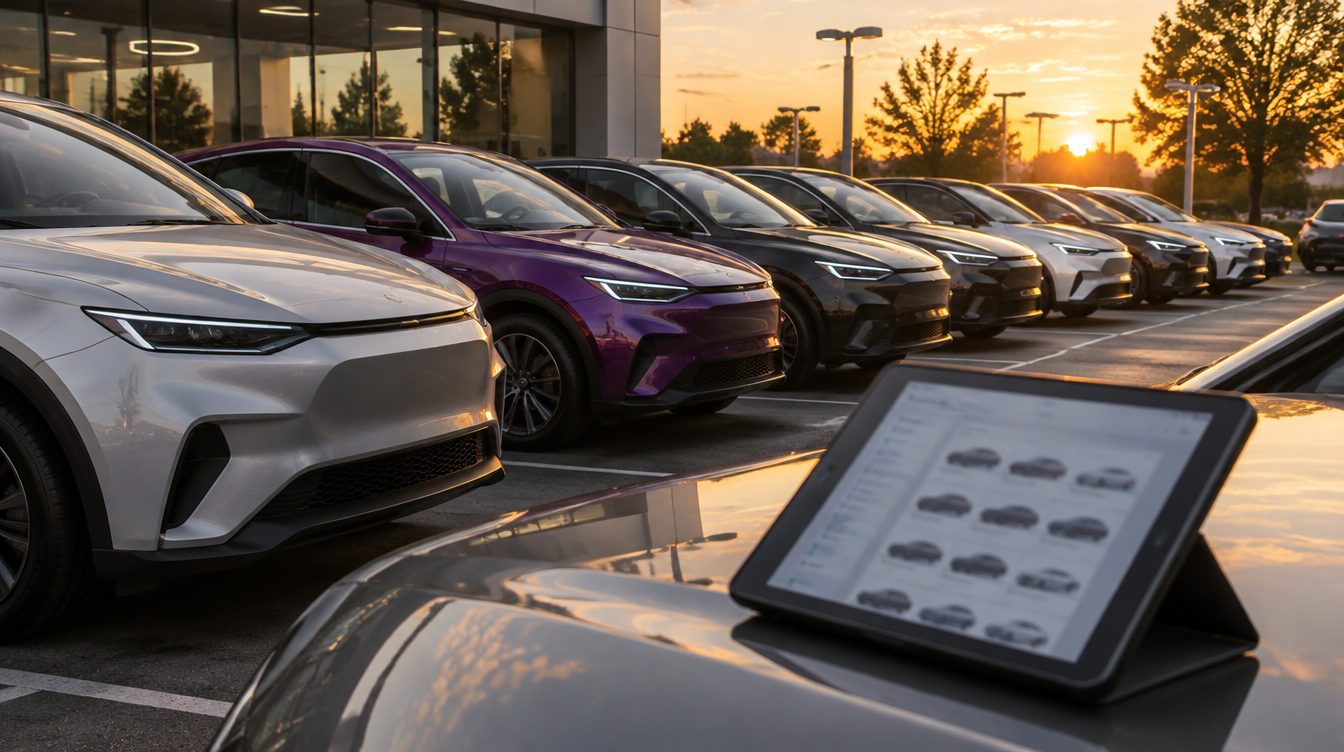
For a car dealer, the approaches that fit best are the ones built around your inventory. Google and Meta (Facebook and Instagram) both have ad formats made for dealers: you send each platform a feed of the vehicles on your lot, and the platform builds an ad for each vehicle with its photo, price and mileage. Use keyword Search campaigns for service and parts, which vehicle ads don't cover, and for searches on your dealership name. You also need to measure sales: the sale happens in the showroom, after the click, so send it back to the ad platform.
Google vehicle ads: your inventory in Search
Google built vehicle ads for dealers, marketplaces and manufacturers who want to show their whole inventory to people shopping for a car. Each ad shows a picture of the vehicle with its make, model, price, mileage and the dealer's name. Shoppers who click go to the vehicle description page (VDP) on your website, where they can contact you or fill out a form.
Where vehicle ads are available
Vehicle ads are fully available in Australia, Canada, Japan and the United States, and in open beta in France, Germany, Italy, the Netherlands, Spain and the United Kingdom. The Google vehicle ads overview lists the setup steps for each group of countries. In the fully released countries you turn the program on yourself in the Add-ons section of Merchant Center, then upload a vehicle data source, which is Google's name for your inventory feed. Before you start, link your Google Ads account to Merchant Center and to a Google Business Profile.
Who qualifies
The program accepts new and used vehicles from dealers, retailers, aggregators and manufacturers. Private sellers, individuals and brokers can't take part. The rules for dealers include:
- Every vehicle must have a clean title. Salvage and lien titles are not eligible.
- You need a valid dealership license wherever the local jurisdiction requires one.
- You need a physical location in the state where the vehicle is listed, where customers can see and buy it.
- One Merchant Center account can list vehicles for sale in one state only.
- Auctions, auction pricing and vehicles offered by subscription are not supported.
- Parts, accessories, tires and services are not supported.
Your service department and parts counter can't appear in vehicle ads, so you need separate Search campaigns for them.
Feed accuracy
Incorrect feed data can get vehicles disapproved or limited. The vehicle ads policies require the price in your feed to exactly match the price on the landing page, and mileage to be accurate in both places, in a supported unit such as miles. After you submit or update the feed, allow 24 to 48 hours for the review. If your inventory system updates prices during the day, schedule feed uploads so the feed and the VDP don't disagree.
Performance Max, Shopping and Search: which campaign does what
Google gives dealers two campaign types for vehicle ads, and they can be used together.
| Campaign type | How it uses your vehicle feed |
|---|---|
| Performance Max | Cross-channel; designed for Maximize conversion value bidding |
| Standard Shopping | Gives you more control over which part of your inventory is shown |
| Search (keywords) | Doesn't use the vehicle feed; use it for service, parts, your dealership name and other searches |
Performance Max with a vehicle feed
Performance Max with a vehicle feed works only with the Sales, Leads or Website Traffic objectives, or with no goal guidance. Google targets vehicle ads at the area around the store tied to each vehicle's store code, and you can narrow that with location targeting.
If you attach the vehicle feed and add no other assets, such as headlines, descriptions and images, your vehicle ads show only on Google Search. Google is gradually rolling out Display placements for Performance Max campaigns with a vehicle feed in Australia, Canada and the United States, with no extra assets needed. Upload your own video as well; without it, Performance Max may create videos automatically.
Standard Shopping for tighter control
Standard Shopping campaigns with a vehicle feed let you choose which subset of your inventory is shown. Use them when you want only part of the lot, such as used vehicles, in a campaign.
Search campaigns for everything else
You can use Performance Max alongside keyword-based Search campaigns. Use Search for your service department, parts, your dealership name and searches about financing or trade-ins. Lead form assets can be added to Search and Performance Max campaigns, so a shopper can send you their contact details without leaving the ad. Google Ads stores those leads for 60 days and lets you download only the last 30, so connect the form to your CRM with a webhook or download leads often.
Meta (Facebook and Instagram) automotive inventory ads
Meta uses cross-device intent signals in its automotive ads to show vehicles from your inventory on Facebook, with a creative generated for each vehicle. With a second format, automotive model ads, you promote vehicle models and offers on Facebook and Instagram from a catalog of offers and the regions where each offer is valid.
Catalog and vehicle sets
You need a Facebook Page and an ad account. The Meta automotive ads documentation covers the feed fields and setup. You then create an automotive catalog by connecting a data feed or uploading your inventory. A dealer group can use one feed for every vehicle or one feed per dealership or region. Inside the catalog you build vehicle sets with filters, for example every vehicle newer than a given model year, and point each ad set at a set. When Meta shows the ad, it fills in template fields such as make, model, price, mileage and dealer name with each vehicle's values.
The pixel events Meta requires
Automotive ads have three required events, sent with the Meta Pixel on your website or with app events in your Android or iOS app:
| Event | When it fires |
|---|---|
| Search | On search result pages for vehicle or inventory searches |
| ViewContent | On key pages such as vehicle detail pages, model pages, offers or incentive pages |
| AddToWishlist | When someone saves, favorites or shows interest in a specific vehicle |
With these events in place you can retarget people who viewed vehicles in a vehicle set. In the ViewContent event, the vehicle ID field is marked required, so check that every VDP sends it.
Measure cars sold
Vehicles advertised in vehicle ads are bought and picked up in store, so the sale happens away from the ad platform.
Calls and forms
Google's website call tracking replaces your number with a Google forwarding number at no cost and counts a call as a conversion only when it lasts longer than a minimum length you set. That lets you see which keywords, ads and campaigns produce calls. Form fills on your VDPs and lead form assets should be counted as separate conversion actions, so you can compare them.
Offline conversions
Offline conversion import lets you see what happens in the offline world after someone clicks your ad. You store the Google click ID (GCLID) with each lead in your CRM and upload the outcome later. For accounts that haven't set this up yet, Google recommends starting with enhanced conversions for leads, which matches leads using customer data such as email addresses. You can also set vehicle ads to optimize for offline conversions such as store visits, as well as online leads.
Where Zonder Digital fits
We manage Google, Microsoft, Meta and TikTok ads under our paid ads service. On Google that covers Search, Performance Max and Shopping. We build Meta campaigns on steady creative testing and clean pixel and Conversions API tracking. Meta's automotive events are sent through that pixel.
How we check the work
Every hour, an automated check compares each account's spend to its budget and alerts us when something is off. Dashboards rebuild every morning, and new creative is tested every week. If you want a starting point, an audit covers structure, tracking, search terms, bidding and wasted spend, with a written list of fixes.
Our automotive work
On the automotive industry page you can see our work with GT Tools, which sells auto glass repair and ADAS calibration tools. PC Lauinger, Vice President at GT Tools, said: "In the first 6 months, we went from throwing darts at a wall with inbound ad spend to clearly scalable ad content and targeting." Our team has worked with Cars.com and CarParts.com. For landing pages and form tracking, see website help.
Frequently Asked Questions
What are Google vehicle ads?
Vehicle ads are a Google ad format for dealers, marketplaces and manufacturers. You upload an inventory feed to Merchant Center, and Google shows each vehicle with a photo, make, model, price, mileage and your dealership name. A click goes to the vehicle description page on your website. You serve them through Performance Max or Standard Shopping campaigns, and you can use both together. They are fully available in the United States, Canada, Australia and Japan.
Can I advertise used cars with vehicle ads?
Yes. Google accepts new and used vehicles from dealers, retailers, aggregators and manufacturers. Each vehicle must have a clean title, so salvage and lien titles are not eligible. You also need a dealership license where your jurisdiction requires one and a physical location in the state where the vehicle is listed. Brokers and private sellers can't take part, and auctions and subscription vehicles are not supported. Parts, accessories, tires and services are also excluded.
Why were my vehicle ads disapproved?
Incorrect feed data can cause disapprovals. The price in your feed must exactly match the price on the landing page, and mileage must be accurate in both places. Check that every landing page URL works and shows the vehicle being advertised, and that store codes match your store data. After you fix the feed, allow 24 to 48 hours for Google to sync the changes and finish the review before you judge the result.
Do I still need Search campaigns if I use vehicle ads?
Yes. Vehicle ads cover vehicles for sale only. Google's rules exclude parts, accessories, tires and services, so you need keyword Search campaigns for your service department and parts counter. Search also covers your dealership name and questions about financing or trade-ins. You can add lead form assets to Search and Performance Max campaigns, so shoppers can send you their contact details from the ad itself without visiting your site first.
What do I need on my website for Meta automotive inventory ads?
You need a Facebook Page, an ad account and an automotive catalog fed from your inventory. On your website, the Meta Pixel has to send three required events: Search on inventory search pages, ViewContent on vehicle detail and offer pages, and AddToWishlist when someone saves or favorites a vehicle. ViewContent must include the vehicle ID. With the events in place, you can retarget people who viewed vehicles in a vehicle set.
How do I know which ads sold cars?
Store the Google click ID with each lead in your CRM, then upload the outcome, such as a sale, back to Google Ads through offline conversion import. If you haven't used offline conversion import before, start with enhanced conversions for leads, which matches leads using customer data like email addresses. For phone leads, use Google forwarding numbers on your site and set a minimum call length, so short calls don't count as conversions. Then compare campaigns on cars sold.
Talk to us about paid ads for your dealership, or book a call.