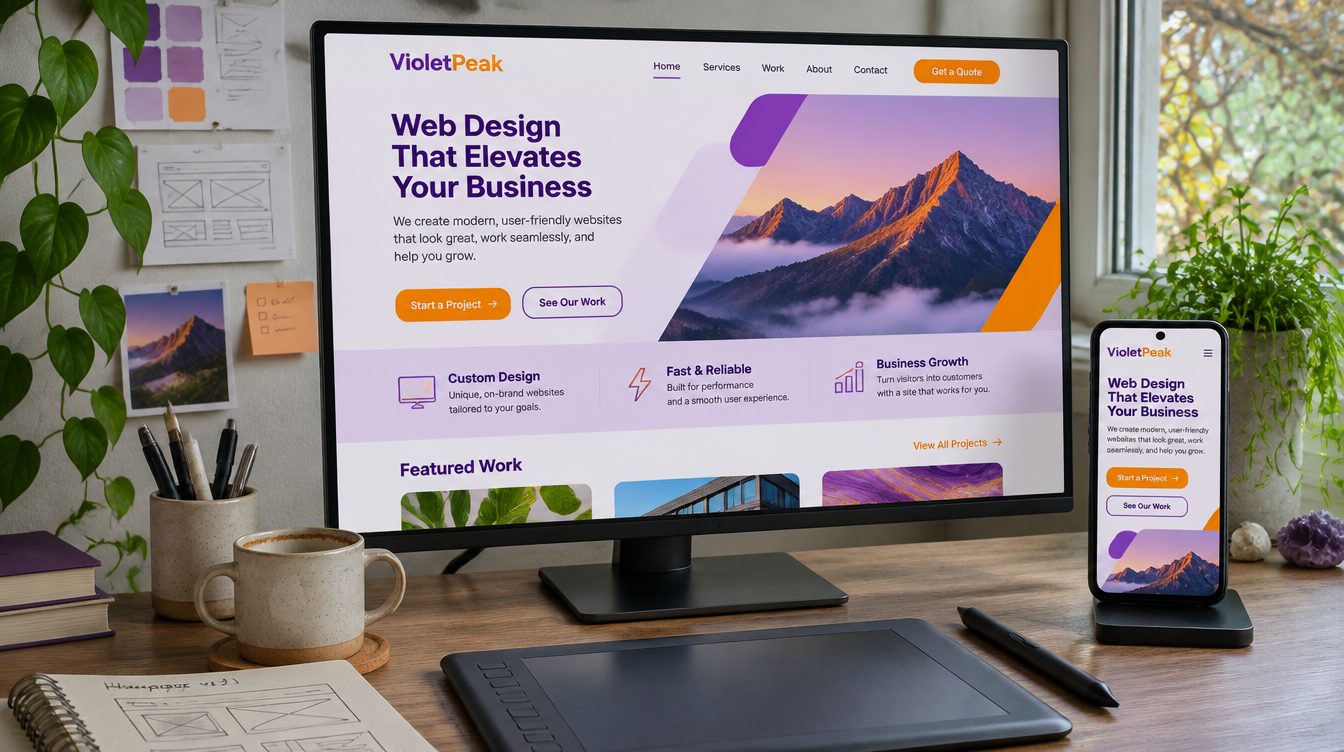
Look at the portfolio, then ask how the agency will handle the pages you already have. Before you sign, get in writing a list of every current URL with the new page each one will redirect to, the platform the new site will be built on and who on your team will update it, and how forms, calls and purchases will be tracked from launch day. Google lists incorrect redirects among the common mistakes in a site move, and says these mistakes can prevent a new site from being indexed completely.
What to look for in a redesign agency
A written plan for every old URL
Ask the agency to deliver a redirect map as a spreadsheet: one row per old URL, with the new page it will point to.
If your move is complex, start with your important URLs. You can find them in your sitemaps, in server logs or analytics for the pages with the most traffic, and in the Links report in Search Console. The map should cover files as well as pages. Images, videos, JavaScript and CSS files have their own URLs and should move the same way, along with downloads such as PDF documents.
A platform your team can update
Ask which platform the agency will build on and who on your team will edit pages after launch. If you are also changing platforms or domains, ask whether the work can happen in stages. Make one change at a time, as Google's site move guide recommends. If you want a new domain, a new content management system and a new layout, do them one after another.
Tracking that works on launch day
Ask how the agency will track forms, calls and purchases, and test each one before the old site comes down. Set up web analytics on both the old and the new site so you can compare them. If you verify Search Console with an HTML file, put that same verification file on the new site, or the verification will stop working.
Testing after launch
Ask whether the agency tests pages after launch, which pages it would test first, and how it decides when a test is finished.
How redesigns lose search rankings
Expect some ranking movement while Google recrawls and reindexes the new pages.
Redirects that are missing, temporary or wrong
Use server-side permanent redirects from old URLs to new ones, with HTTP 301 or 308 where possible. With a permanent redirect, Google shows the new page in search results. With a temporary redirect, such as a 302, it shows the old page. Permanent redirects do not cause a loss in PageRank.
Check where every redirect points, as well as the redirect itself; redirects to wrong or non-existent URLs are a common mistake.
Many old pages sent to the home page
Redirecting many old URLs to one unrelated page, such as the new home page, can confuse users and might be treated as a soft 404 error. If you merged several old pages into one new page, redirecting them to that page is fine. If a page is gone and nothing on the new site matches it, the old URL should return a 404 or 410.
Redirect chains
A chain is a redirect that leads to another redirect. Googlebot can follow up to 10 hops, but the guidance is to point each old URL straight at its final page. Where that isn't possible, keep the chain ideally to no more than 3 redirects and fewer than 5. If your site already has redirects from an earlier redesign, ask the agency to update them so they point at the new pages directly.
Staging settings left on
Some site owners block crawling while a new site is in development. Remove any noindex rules or robots.txt blocks that were only needed for the migration. On launch day, also confirm that each new page has a self-referencing canonical tag and that internal links point to the new URLs.
Questions to ask before you sign
| Question | What a complete answer includes |
|---|---|
| Will you map every old URL to a new page? | A spreadsheet of old and new URLs, including images and PDFs |
| Which redirect type will you use? | Server-side permanent redirects, 301 or 308 |
| What happens to pages we are dropping? | A redirect to the closest matching page, or a 404 or 410 if nothing matches |
| How will you test the redirects? | A check of every URL on the map, by tool or script, before and after launch |
| Are the domain, platform and design changing at once? | A plan to make one change at a time where possible |
| How will forms, calls and purchases be tracked? | Each one tracked to its source and tested before launch |
| How long will the redirects stay in place? | At least one year, and longer if visitors still reach the old URLs |
Ask who will do the work, too. Find out whether the people you meet on the sales call will build the site or hand it to someone else.
What to expect after launch
Rankings can move for a few weeks
For a medium-sized site, it can take a few weeks or more before Google starts showing the new URLs instead of the old ones, and longer for large sites. Temporary fluctuation during a move is normal, and rankings settle down over time. If your traffic is seasonal or drops on certain weekdays, launch during one of those dips.
Submit two sitemaps in Search Console, one with the old URLs and one with the new. As Google processes the move, the number of indexed pages in the old sitemap should fall toward zero while the count for the new sitemap rises.
Keep the redirects and update your links
Keep redirects for at least one year, and for your visitors' sake, consider keeping them indefinitely. Update the links you control as well: internal links, social profiles and ad campaigns, which should point to the new landing pages. Contact the sites that link to you and ask them to update the URL.
Check the redirects again
Platforms such as Shopify may already have built-in redirect tools. Google's guide to redirects lists each redirect type and how Google treats it. Ask your agency where the redirects live and who can edit them, then test them with the URL Inspection Tool in Search Console for single pages, or with a script for the whole list.
Where Zonder fits
What we build
Our website service covers structure, design and copy, built on a fast static site, Shopify or WordPress. We recommend the platform that fits your team. We put a way to contact you on every page, and we build landing pages matched to each ad and audience that load fast on phones.
How we handle old URLs
We map every old URL to its closest new page before launch, redirect every one, and check them all before the site goes live. On our own site, we redirected every old service address, such as /services/seo/ and /services/cro/, to the page that replaced it. If you want technical SEO alongside the redesign, our AI visibility and SEO service covers speed, Core Web Vitals, indexing, schema and internal links.
Tracking and tests
We track every form, call and purchase back to its source. After launch we test the pages that matter most and keep the changes that win. A test usually takes two to four weeks, depending on traffic.
Frequently Asked Questions
Will a website redesign hurt my SEO?
It can if old URLs break or redirect to the wrong place. Incorrect redirects are among the common site move mistakes that can stop a new site from being indexed completely. You can expect some ranking movement while Google recrawls the site, and rankings settle down over time. Map every old URL to a new page, use permanent server-side redirects, test them all before launch and remove staging blocks such as noindex rules.
How long do rankings take to settle after a redesign?
For a medium-sized website, it can take a few weeks or more before Google starts showing the new URLs instead of the old ones, and longer for larger sites. Temporary fluctuation during that time is normal. Submit sitemaps of the old and new URLs in Search Console and watch the indexed count for the old one fall as the new one rises. If the old pages stay indexed for months, check the redirects again.
Should we change our domain and redesign at the same time?
Make one change at a time where you can. If you are moving to a new domain, changing your content management system and updating the layout, do them one after another rather than together: move the domain first, then change the layout. If you have to do everything at once, ask the agency for a full redirect map and a plan to check indexing and rankings after launch.
What is a redirect map?
A redirect map is a list of every URL on your current site, each paired with the URL on the new site where it will redirect. Build it from your sitemaps, your analytics and the Links report in Search Console, and include images, PDFs and other files. The agency uses the map to set up the redirects, to update internal links, and to test every redirect before and after launch.
Should my agency use 301 or 302 redirects?
For pages that have moved for good, use a permanent redirect such as a 301 or 308. After a permanent redirect, Google shows the new page in search results. After a temporary redirect such as a 302, it shows the old page. Permanent redirects do not cause a loss in PageRank. Keep temporary redirects for short-term cases, such as a service that is unavailable for a while.
How long should we keep redirects from the old site?
Keep redirects for as long as possible, generally at least one year. That gives Google time to transfer signals to the new URLs, including links on other sites that point to your old pages. For your visitors, consider keeping them indefinitely. Update your own internal links, social profiles and ad campaigns so fewer people pass through a redirect at all, and ask sites that link to you to update the URL.
If you are planning a redesign, see our website service or book a call.